Visual Customer Support

See What Customers See. Resolve Instantly.

Altitude CoBrowse lets your agents view and navigate the customer's screen in real time — no downloads, no plugins. See the problem clearly, guide visually, and resolve faster than ever.

No More "Can You Describe What You See?"

Altitude CoBrowse enables agents to see exactly what the customer sees on their screen — web or mobile — in real time. Agents annotate, guide, and resolve without the customer needing to install anything.

  • Real-time screen sharing — zero customer setup required
  • Agent highlights, annotates, and draws directly on screen
  • Sensitive fields automatically masked for security
  • Works across web browsers and native mobile apps
  • One-click escalation from voice, chat, or email
  • Full audit trail of every CoBrowse session
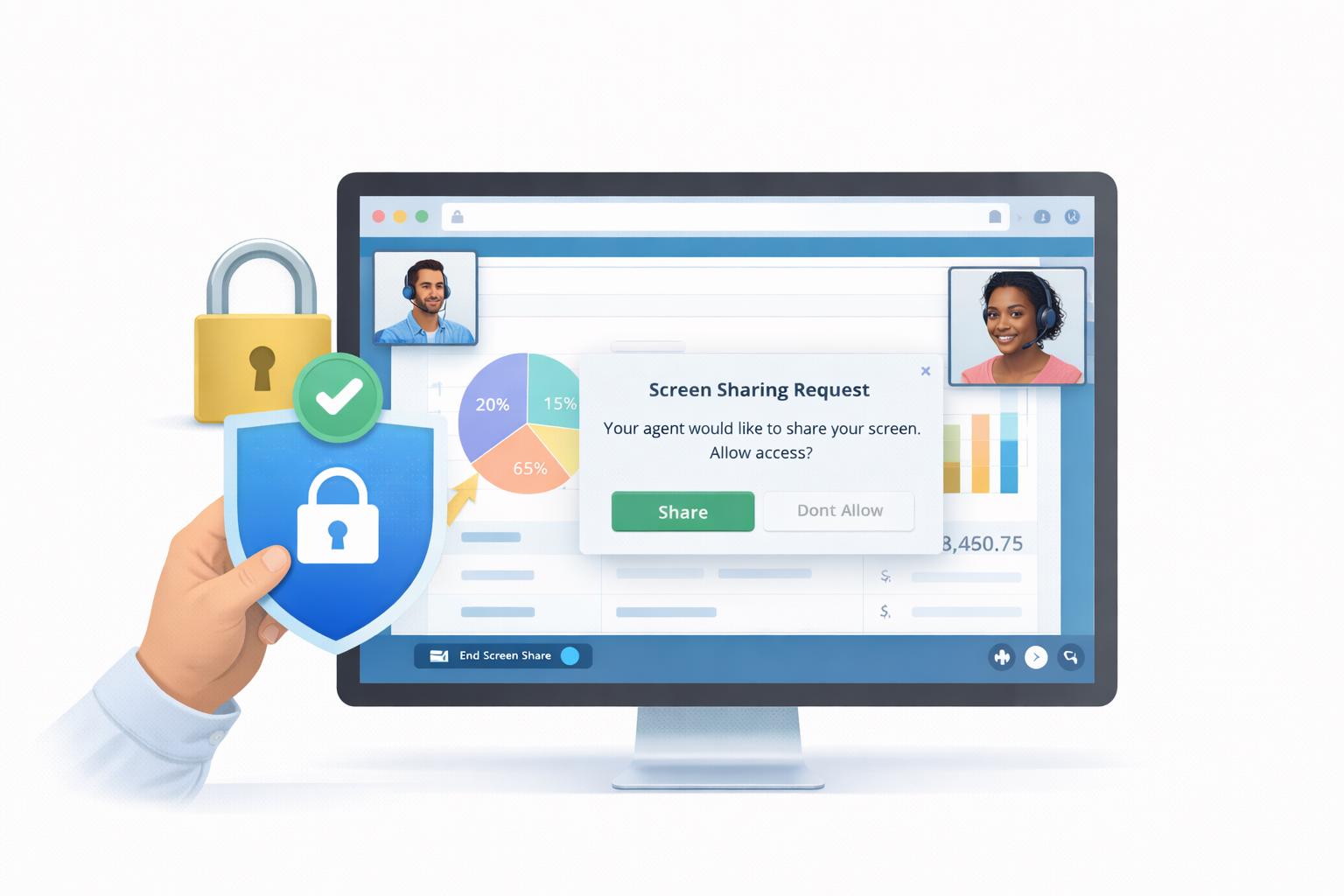
Altitude CoBrowse — Secure screen sharing between agent and customer

Everything Agents Need to Guide Visually

From real-time screen sharing to secure data redaction — a complete visual support toolkit built into your Altitude platform.

🖥️

Web & Mobile CoBrowse

Support customers across web browsers and native mobile apps — pixel-perfect screen sharing with touch event sync.

✏️

Interactive Annotations

Draw, highlight, and point directly on the customer's screen with real-time annotations that guide step by step.

🔒

Automatic Data Redaction

Sensitive fields — passwords, card numbers, PII — masked automatically. Private-by-default with granular controls.

🔀

One-Click Escalation

Escalate from chat, voice, or email to a CoBrowse session instantly — full conversation context preserved.

🖱️

Remote Control

Agents can scroll, click, and navigate on behalf of the customer — with explicit customer permission at all times.

📊

Session Analytics

Track session duration, resolution rates, and CSAT tied to each CoBrowse interaction for continuous improvement.

🔗

Native Integration

Built into the Altitude agent desktop — no separate tool to open. One click from any active interaction.

📱

Mobile App Support

CoBrowse works inside your branded iOS and Android apps — guide customers through your mobile experience.

🌐

No Plugin Required

Customers don't download or install anything — CoBrowse runs directly in their browser or app via a lightweight SDK.

35%
Faster Resolution
48%
CSAT Improvement
60%
Cart Recovery Rate
0
Plugins Required

From "I Can't Find It" to "Problem Solved" in Seconds.

CoBrowse starts in one click from an active call or chat. The customer taps Allow — and instantly the agent can see their screen, annotate, and guide them to resolution without any friction.

  • Agent clicks "Start CoBrowse" from the agent desktop
  • Customer receives a permission prompt — taps Allow
  • Agent sees customer screen in real time immediately
  • Agent annotates, draws, and points to guide resolution
  • Session ends — full transcript and recording saved automatically
Step 1 — Initiate
Agent clicks "CoBrowse" from any active voice, chat, or email interaction. Customer receives a permission request.
Step 2 — Connect
Customer taps Allow — agent instantly sees their screen. Sensitive fields are automatically masked before the agent can view.
Step 3 — Resolve
Agent annotates and guides — customer follows visually. Issue resolved in seconds. Session saved with full audit trail.

Add Visual Support to Your Contact Centre

See how Altitude CoBrowse integrates with your existing platform to deliver faster resolutions and happier customers.

Contact Us ✉️ Locate Us 📍 Request Call Back 📞